Settings
Site-wide options live under Kanbanz → Settings, available to Administrators.
The Free settings include controls for task pagination, the default board view, the date format and notification and email options. Settings are intended for the WordPress admin area, and Kanbanz does not load its assets on the public front end.
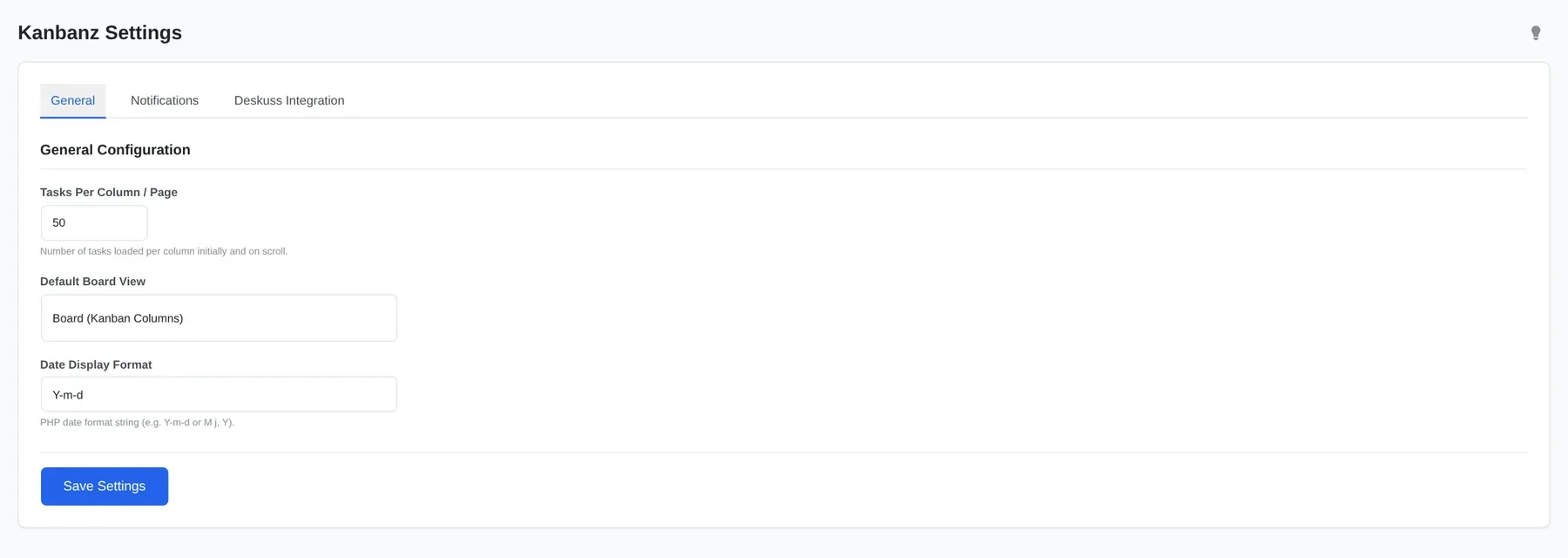
General
| Setting | Default | Description |
|---|---|---|
| Tasks Per Column / Page | 50 | How many tasks each column loads at first and as you scroll (10–200). Lower it on very large boards for faster loading. |
| Default Board View | Board | Board (kanban columns) or List (table rows). Users can still switch on each board. |
| Date Display Format | Y-m-d | Any PHP date format, for example M j, Y. |
Notifications
Email options are described in Notifications.
Deskuss Integration
This tab appears only when the Deskuss plugin is active. See Deskuss Integration.
Save your changes
Click Save Settings at the bottom. Settings apply to every board and user on the site.