Task Completion
Make “Done” mean something by choosing who can move work into the final column.
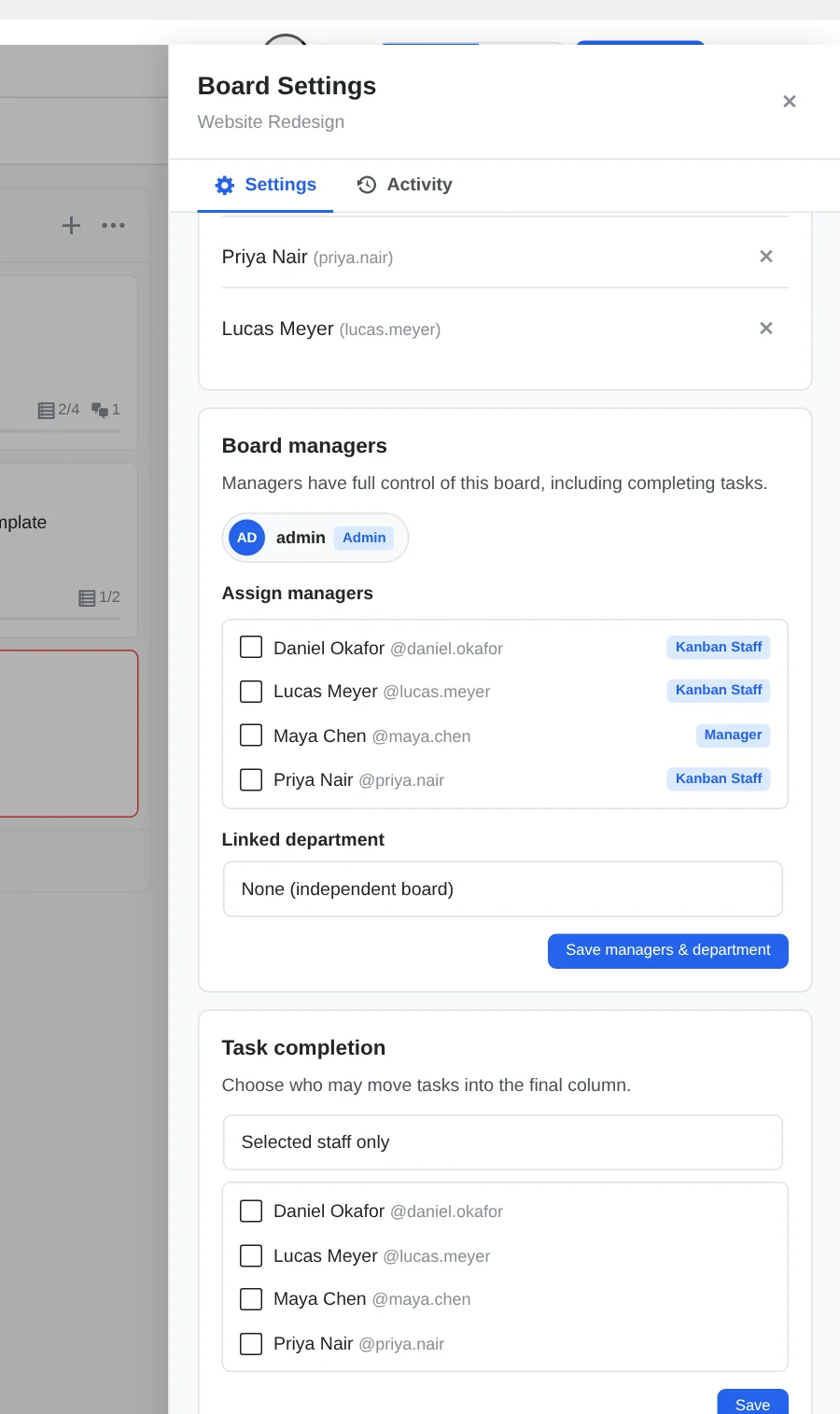
Open Board Settings → Task completion to control who can move tasks into the final column. Kanbanz offers three options: everyone, administrators and board managers only, or selected staff.
| Option | Who can complete tasks |
|---|---|
| Everyone on this board (default) | Anyone who can edit the task. |
| Admins & board managers only | Administrators, Managers with access to the board, the board lead and assigned board managers. |
| Selected staff only | Everyone in the row above, plus the people you tick in the list. |
How to set it
- Open the board and click the gear icon.
- In Task completion, choose an option. For Selected staff only, tick the people.
- Click Save.
Things to know
- The rule covers moving a task into the board's last column. Everyone can still move it through every other stage.
- It applies however the task is moved: dragging, Move to… and bulk move.
- Administrators can always complete tasks.
- Only Administrators and Managers who can access the board can change this setting.